.png?width=300&height=65&name=GG%20Logo%20Main%20Navy%20(1).png)
A summary overview of the different user roles in the Global Guardian HALO platform is as follows:
Standard User - An operative sees only their own information and not the information of
any other user in their customer or user group.
User Group Administrator - Has administrator access over their user group but cannot edit other user groups or view their information. A customer may have several different user groups within their platform access.
Regional Administrator - Has administrator access over their user group but cannot edit other user groups or view their information. This administration role also has temporary visibility of users traveling in and out of their assigned countries/region.
Customer Analyst - Has full ability to run reports in the reporting module and can therefore view all the customer data. However, they cannot change any customer settings or edit and create any user profile or itinerary.
Customer Administrator - This user sees all information for users belonging to that client and have full administrator access for the customer.
You can update a user's rule from their profile:
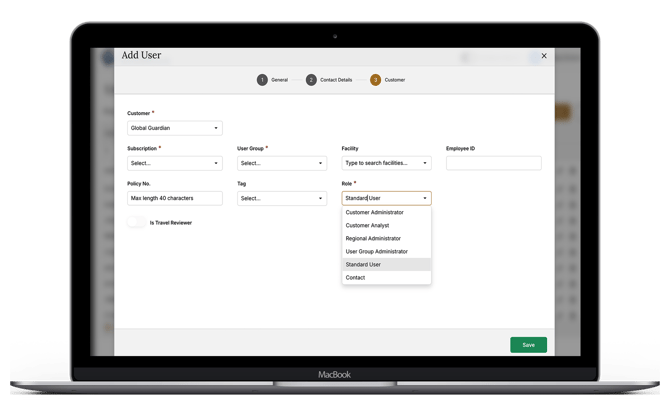
It is important to note that a user role with limited access or permissions, cannot update their own profile to an administrator role with more access permissions.