.png?width=300&height=65&name=GG%20Logo%20Main%20Navy%20(1).png)
You can use the content of an existing alert to send to users in the platform that you select. In addition to this, you can also customize the content of the alert, and add your custom responses if desired.
Before proceeding, ensure you are familiar with how to create and send messages from the messaging tool. Refer to this article if you are unsure: Mass Messaging
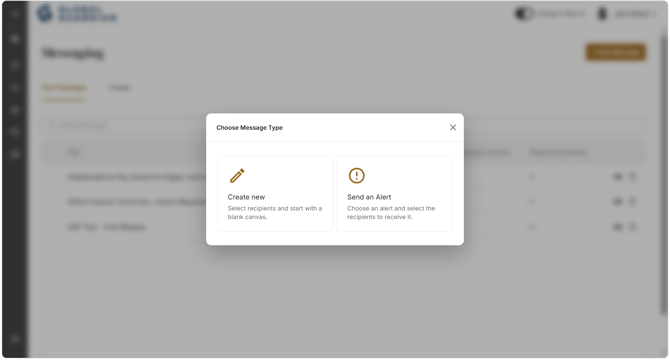
- Click "+ New Message" and choose "Send an Alert."
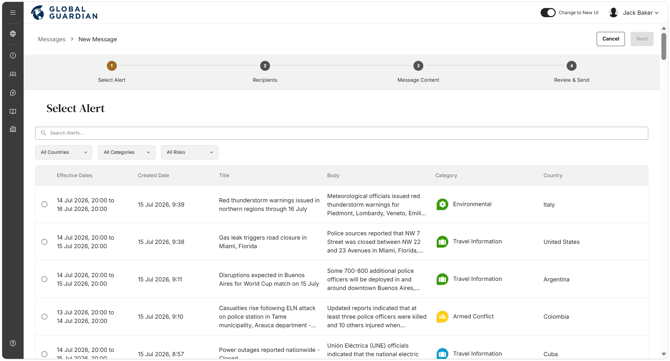
- Select the intelligence alert you wish to send by clicking "Add," then click "Next."
- Select the recipients you wish to receive the message and click "Next."
- The alert information will be pre-populated with existing content. This content is editable — add or remove content as needed, and add custom responses if you require recipients to respond and track responses.
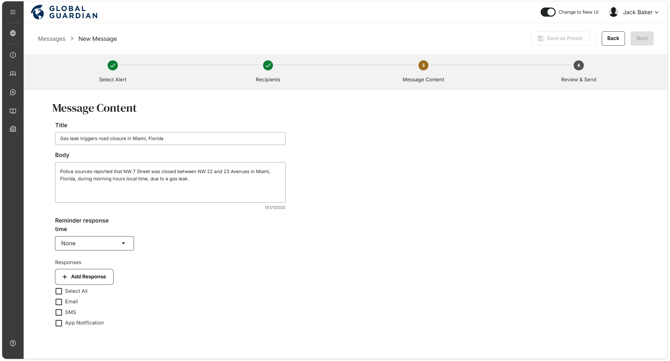
- When ready, click "Next," review the message, and click "Send."