.png?width=300&height=65&name=GG%20Logo%20Main%20Navy%20(1).png)
The search bar located in the top banner allows users to view a snapshot of a specific country. This search capability allows you to search all map markers that are visible based on your current map filters.
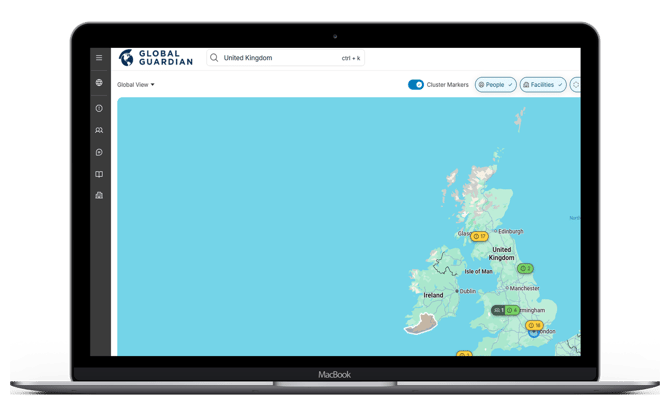
After entering your search criteria — whether a country, city, location name, or user name—a side panel will automatically open and display all recent travel itineraries and intelligence alerts that are active in the system for the specified country.
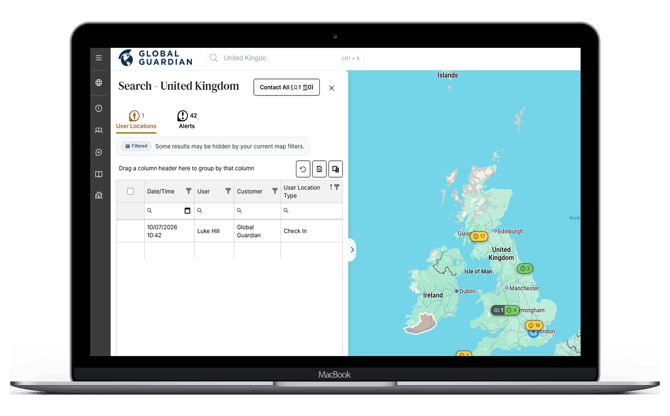
Click on one of the rows in the table to view more details and assets nearby.
Tip:
- Altering your map filters, such as Date Range, will help to narrow down searches.