.png?width=300&height=65&name=GG%20Logo%20Main%20Navy%20(1).png)
You must have customer administrator permissions to configure live location alerts.
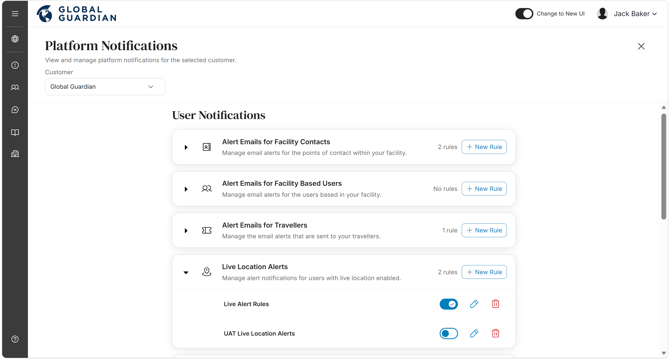
- Navigate to the Administration Panel and click "Platform Notifications."
- Find "Live Location Alerts" and click "+ New Rule."
- Enter a New Rule Name and click "Next."
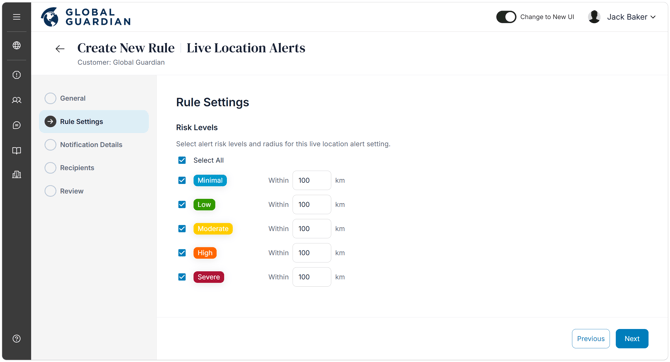
- Select your preferred rule settings by risk level and distance, and click "Next."
- Select how you would prefer recipients to receive the alert notifications, in-app, email or SMS, and click "Next."
- Select the recipients to receive the alert notifications. You can select all users within your platform or specific recipients who this rule will apply to. Click "Next."
- Review your rule and click "Save."
On the platform notifications page, you will see an overview of all alert rules. Click the drop down to see the list of alert rules you have created per type: