.png?width=300&height=65&name=GG%20Logo%20Main%20Navy%20(1).png)
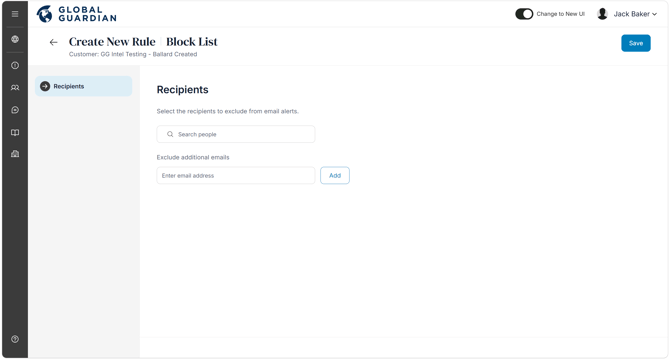
Some users, such as VIPs or executives, may not need to receive pre-travel briefings or email notifications related to their booked travel. These specific users can be added to the block list by entering their email address or selecting their user profile in the system.
Access by going to the Admin Panel and selecting "Platform Notifications." Scroll to the bottom to find "Block List" and select "Manage."
Adding a user profile or email address to the block list only stops sending email notifications through to them. All travel itineraries and tracking from the mobile app will remain visible in the platform.