.png?width=300&height=65&name=GG%20Logo%20Main%20Navy%20(1).png)
One of the key benefits of the Activity Feed is its ability to associate intelligence alerts with the people and facilities that may be affected. This allows administrators to prioritize incidents, understand potential operational impacts, and access relevant information from a single location.
Understanding Alerts
An alert is a notification ingested by the platform when an event may affect user safety or operational security. Alerts are created using real-time intelligence and can include incidents such as:
- Natural hazards
- Civil unrest
- Transport disruptions
- Health-related events
Each alert provides concise, factual information to help security teams quickly assess the situation. For more information about the different alert categories, refer to the Alert Creation Methodology article.
Using the Activity Feed
The Activity Feed displays the latest intelligence and tracking alerts in chronological order, with the newest events shown at the top.
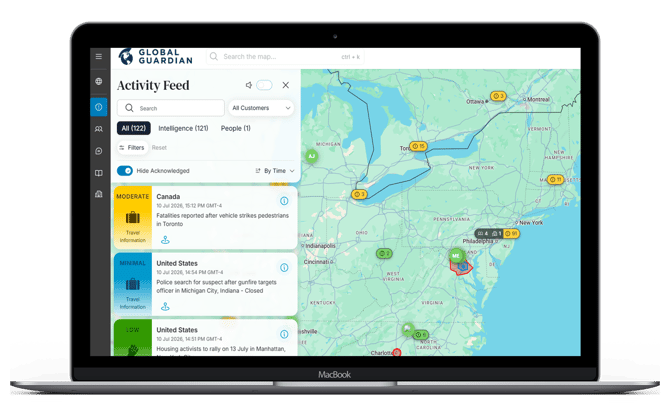
Identify Impacted People and Facilities
Intelligence alerts include an impact indicator that shows when people or facilities may be affected by an incident.
From each alert you can:
- Click the information (i) icon to view details about the event that has potentially impacted people or facilities.
- Click the location marker to center the map on the alert location.
- Select "Assets Nearby" to view a detailed list of users and facilities located within a 100 km radius of the incident.
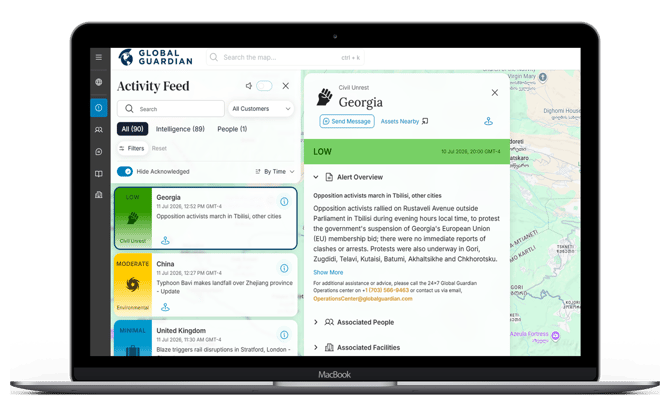
This enables administrators to quickly understand who or what may be affected without manually searching the map.
Search and Filter Alerts
Use the search box to quickly find alerts by entering a keyword, or filter the Activity Feed to display only the information you need:
- All: Displays every alert in the feed.
- Intelligence: Displays intelligence-related alerts only.
- People: Displays people and tracking-related alerts only.
- Filters: Includes more enhanced filtering capabilities by country, risk level, and more.
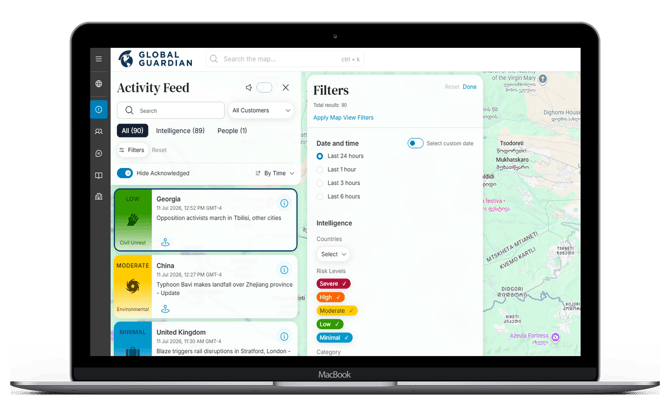
Audible SOS Notifications
The Activity Feed also includes an Audible Alarm toggle.
When enabled, your desktop will play an audible notification whenever a user triggers an SOS alert from the mobile app, helping administrators respond immediately to high-priority incidents. Note that you must be logged into the web platform at the time the SOS is raised to hear the alarm.
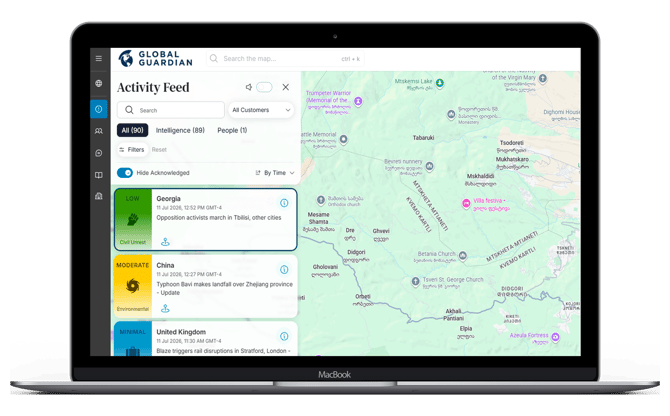
Monitor the Activity Feed throughout the day to stay aware of emerging incidents. Use the impact indicators and "Assets Nearby" view to quickly identify affected users and facilities, allowing you to prioritize response activities and communicate with those who may be at risk.