.png?width=300&height=65&name=GG%20Logo%20Main%20Navy%20(1).png)
Follow these steps:
- Click on the Admin Panel.
- Click on the link "Users."
- Search the user's email or name in the relevant search field.
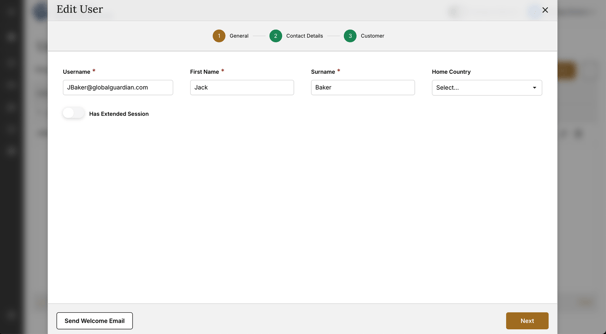
- Once found, click on the edit icon.

- Click "Send Welcome Email."
A green confirmation pop-up will appear to confirm the welcome email has been resent to the user. This will help to reset their password.