.png?width=300&height=65&name=GG%20Logo%20Main%20Navy%20(1).png)
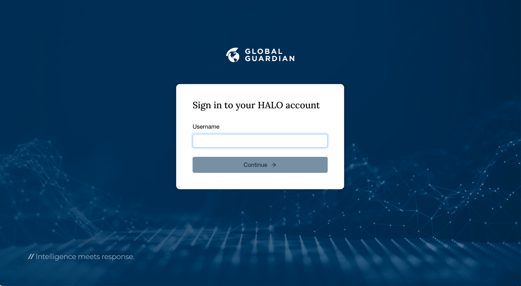
The online desktop application is accessible through most internet browsers, although for
optimum performance we recommend Google Chrome as the preferred browser. You may experience some performance differences when using the platform on Microsoft Edge or Safari.
Welcome Email
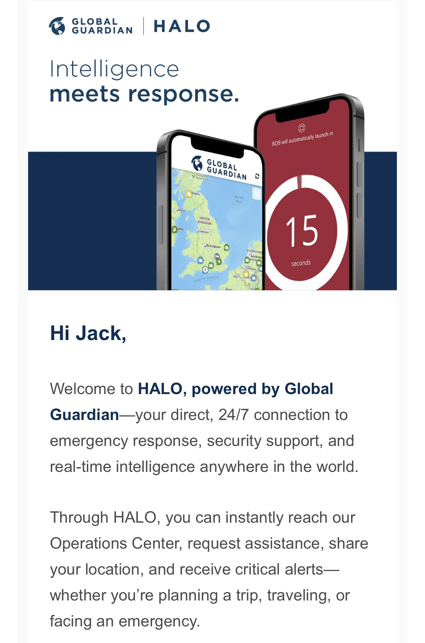
If you have had a user login created for you by an administrator, or because your travel booking has been processed into the platform, you may receive a welcome email from the platform. This email will provide you with the necessary login details to access the platform. In some instances you will need to follow the instructions to update your contact details and create a password.
Multi-Factor Authentication
As standard, all users of the platform will log in via a multi-factor authentication process. After entering your username and password, a code will be sent to your primary email that you will need to enter in the required field in order to access the platform.
If it has been enabled by your administrator, you can also receive the Multi-Factor Authentication code via SMS. Please ensure your phone number, including international dialing code, are updated against your user profile in order to receive the code through this means.
Single-Sign On
If your organization has enabled Single Sign-On (SSO), you can log into the web and mobile app platforms using your standard login details. In this instance, you do not need to create a specific password for the platform. Contact your organization's internal IT support if you are unsure as to your SSO login details or are experiencing any difficulties.