.png?width=300&height=65&name=GG%20Logo%20Main%20Navy%20(1).png)
When a new alert is created in the platform, administrators can receive an email containing details of this new alert, which includes a table stating how many assets are affected by the alert and a link to get full details.
You can change the settings here to enable these emails for a select set of risk levels and/or countries so that an email is only sent out when the alert meets the specified criteria.
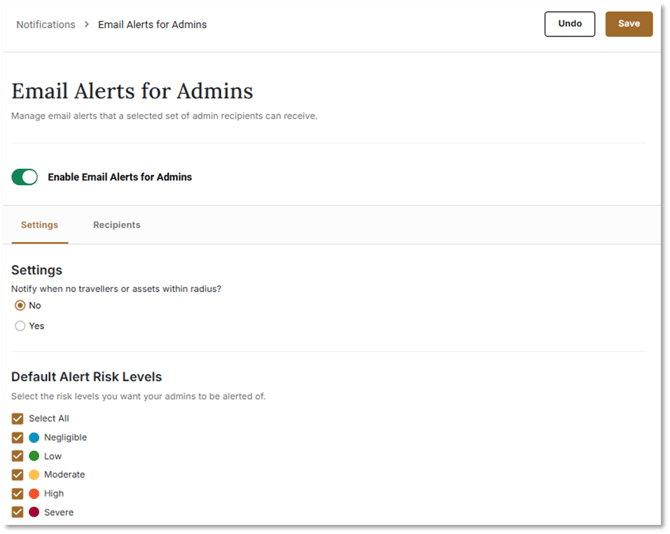
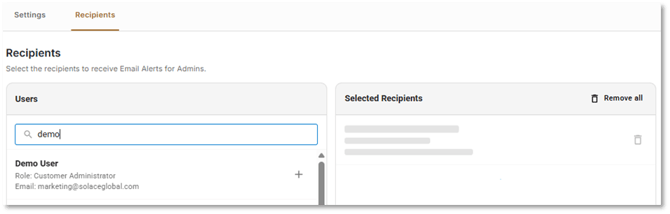
Toggle on the relevant risk levels and administrators will receive notifications for and/or be able to select which countries. You can also edit the list of recipients to receive these emails. Only customer administrators are able to receive admin alert email notifications.
By clicking on “Preview Email” below the Save button, a new tab will open and display the layout of the automated email admins will receive.