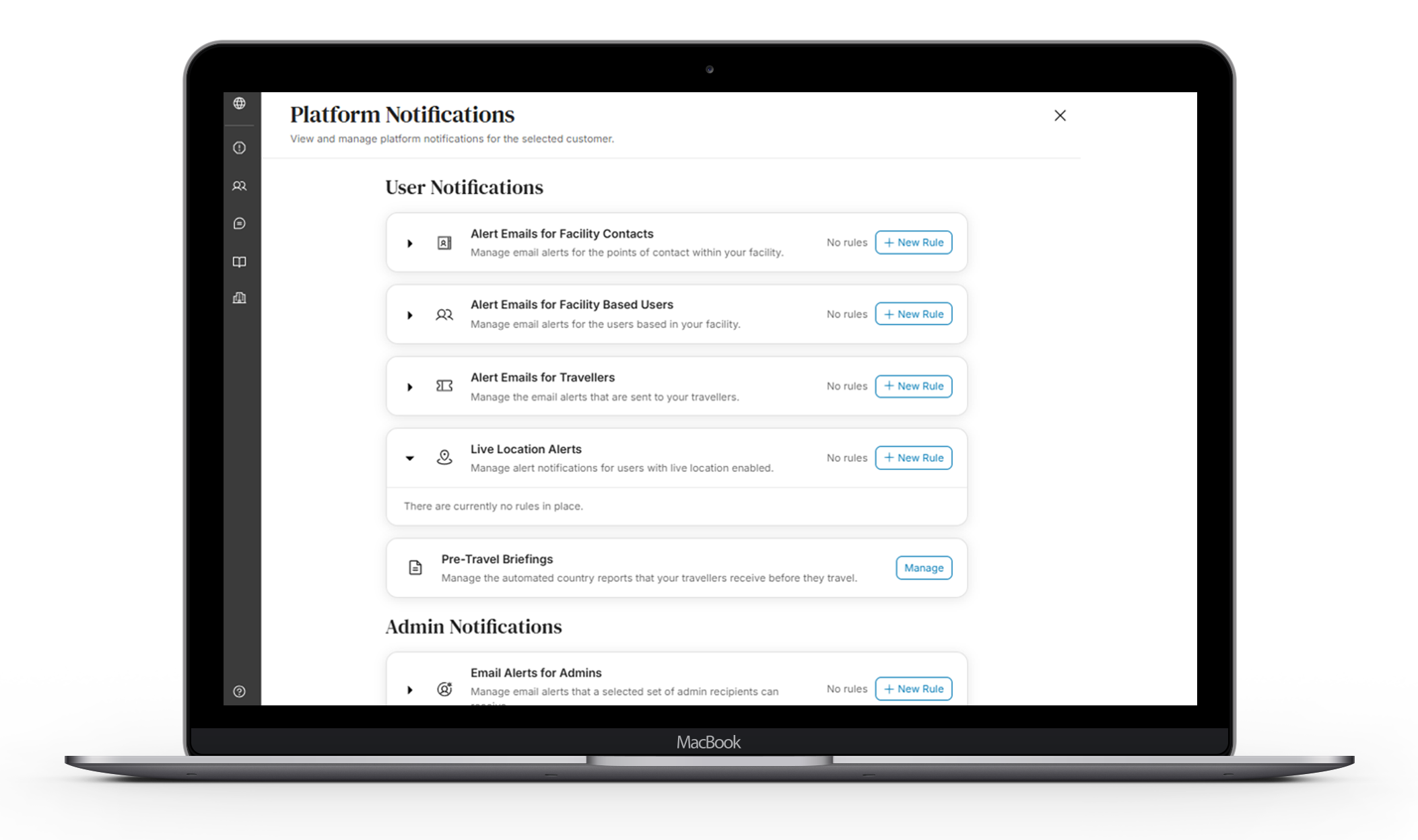
You must have customer administrator permissions to configure live location alerts.
- Navigate to the Administration Panel and click "Platform Notifications."
- Find "Live Location Alerts" and click "+ New Rule."
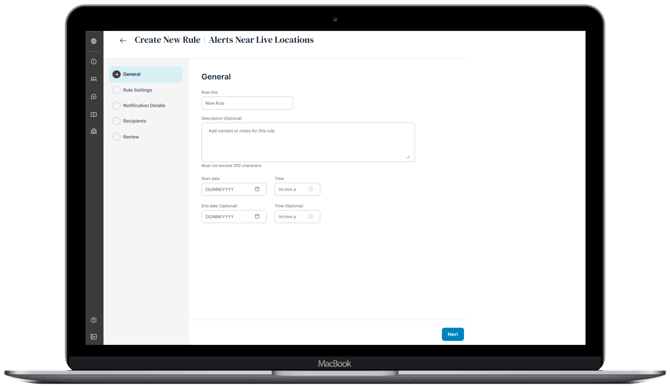
- Enter a Rule Name and, if required, add a Description and a Start and End date and time if this rule requires a time limitation.
- Click "Next."
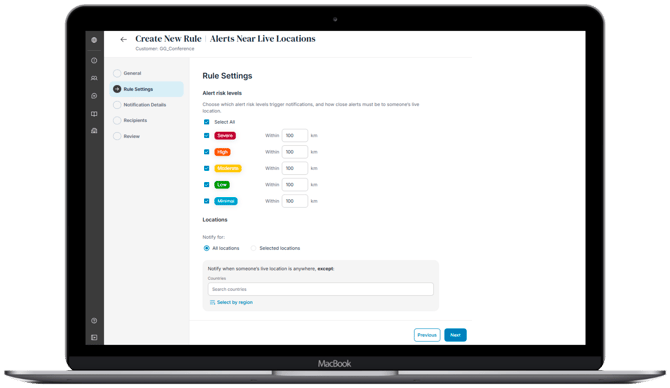
- Select your preferred rule settings by:
- Alert Risk Levels: Select risk level for which administrators will be informed of if a user or asset is impacted by an alert.
- Locations:
- Select specific countries which apply to the selected risk levels by entering them into the search box or bulk select by region.
- You can also exclude sending alert emails to persons where the alert matches their home country by enabling the toggle "Exclude each person's home country".
-
- Alert Categories: Select a categories or which administrators would be informed of if a user or asset is impacted by an alert.
- Keywords: Enter key words or phrases that may be contained in an alert to be informed or excluded to an administrator if is it within the alert.
- Click "Next."
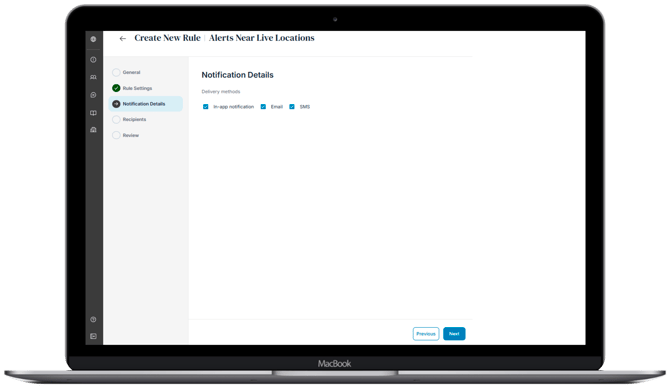
- Select how you would prefer recipients to receive the alert notifications, in-app, email or SMS, and click "Next."
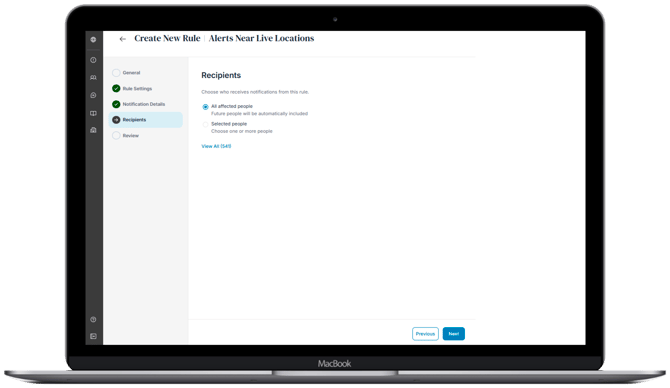
- Select the recipients to receive the alert notifications. You can select all users within your platform or specific recipients who this rule will apply to. Click "Next."
- Review your rule and click "Save."
On the platform notifications page, you will see an overview of all alert rules. Click the drop down to see the list of alert rules you have created per type: